コマンド「brew services start mysql」でローカルの MySQL を起動します。
% brew services start mysql
==> Successfully started `mysql` (label: homebrew.mxcl.mysql)
2. MySQL に接続する
コマンド「mysql -u root」で MySQL に接続します。
% mysql -u root
Welcome to the MySQL monitor.  Commands end with ; or \g.
Your MySQL connection id is 9
Server version: 8.0.23 Homebrew

Copyright (c) 2000, 2021, Oracle and/or its affiliates.

Oracle is a registered trademark of Oracle Corporation and/or its
affiliates. Other names may be trademarks of their respective
owners.

Type 'help;' or '\h' for help. Type '\c' to clear the current input statement.

mysql>
Last login: Sun May 17 19:09:43 on ttys000
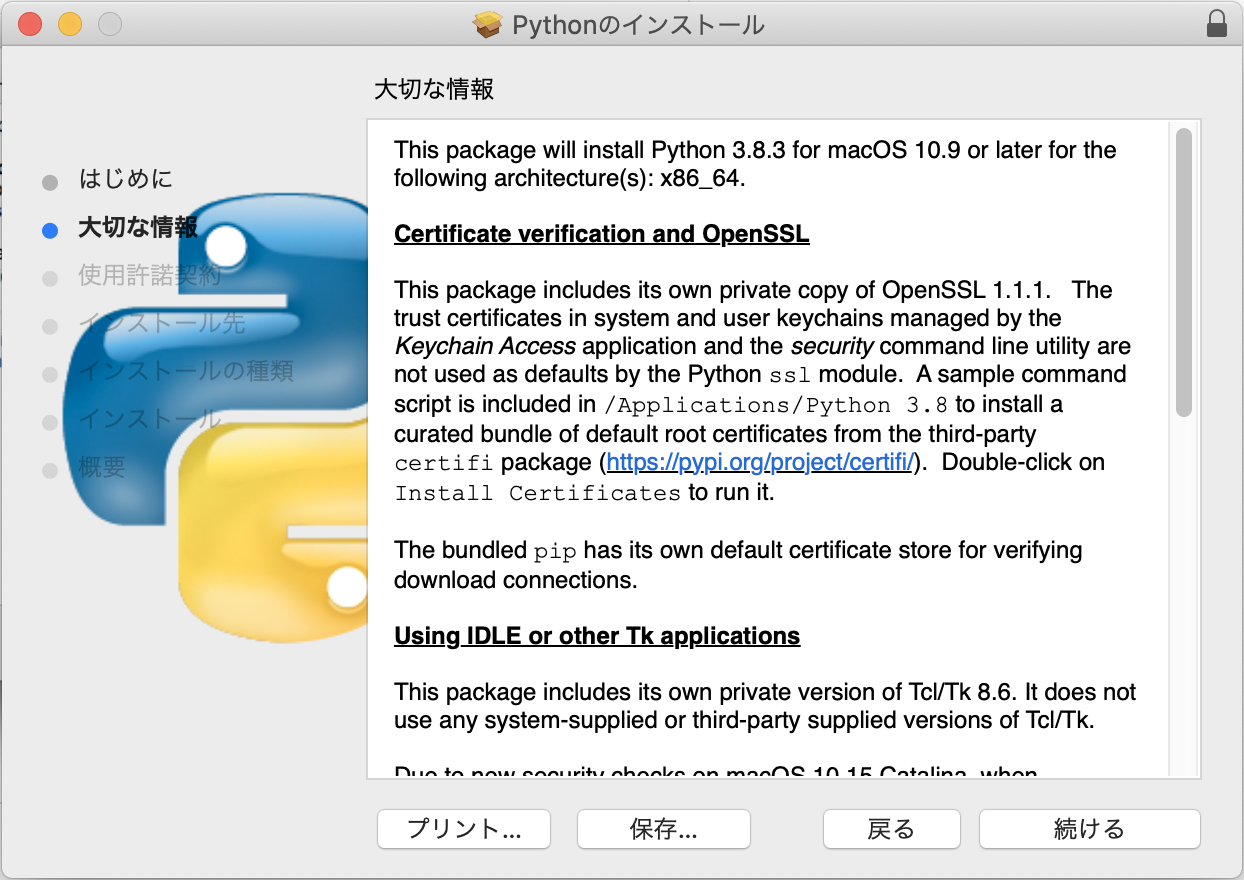
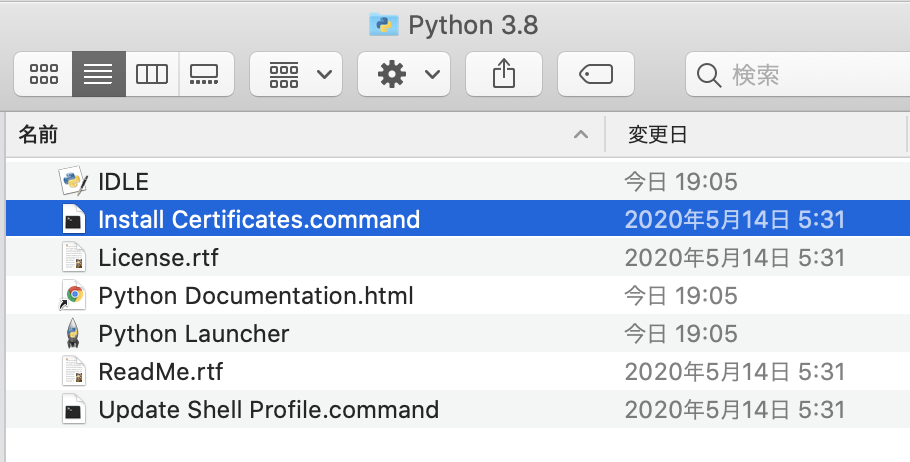
~ % /Applications/Python\ 3.8/Install\ Certificates.command ; exit;
 -- pip install --upgrade certifi
Collecting certifi
  Downloading https://files.pythonhosted.org/packages/57/2b/26e37a4b034800c960a00c4e1b3d9ca5d7014e983e6e729e33ea2f36426c/certifi-2020.4.5.1-py2.py3-none-any.whl (157kB)
     |████████████████████████████████| 163kB 635kB/s
Installing collected packages: certifi
Successfully installed certifi-2020.4.5.1
WARNING: You are using pip version 19.2.3, however version 20.1 is available.
You should consider upgrading via the 'pip install --upgrade pip' command.
 -- removing any existing file or link
 -- creating symlink to certifi certificate bundle
 -- setting permissions
 -- update complete

[プロセスが完了しました]
4. 動作確認
ターミナルで「python3」と入力すると Python3 を開始できます。「python」と入力すると mac にデフォルトで入っている旧バージョンの python が起動するので注意してください。
~ % python3
Python 3.8.3 (v3.8.3:6f8c8320e9, May 13 2020, 16:29:34)
[Clang 6.0 (clang-600.0.57)] on darwin
Type "help", "copyright", "credits" or "license" for more information.
>>>